

Using Knowledge Graph
You can access Knowledge Graph data in several ways: Each access method has their own unique use cases and benefits.Steps
- Local files
- REST API
- MCP server
- Claude connector
Query the Knowledge Graph for the educational data you’re interested in.
Download the Knowledge Graph JSONL files
See download options.
Install jq
Install
jq ↗, a lightweight command-line JSON processor.Query the JSONL files
Query your downloaded files for the data you’re interested in.e.g., To get Common Core Math Standards, filter for nodes with a
StandardsFrameworkItem label, a Multi-State jurisdiction (Common Core), and a Mathematics academic subject: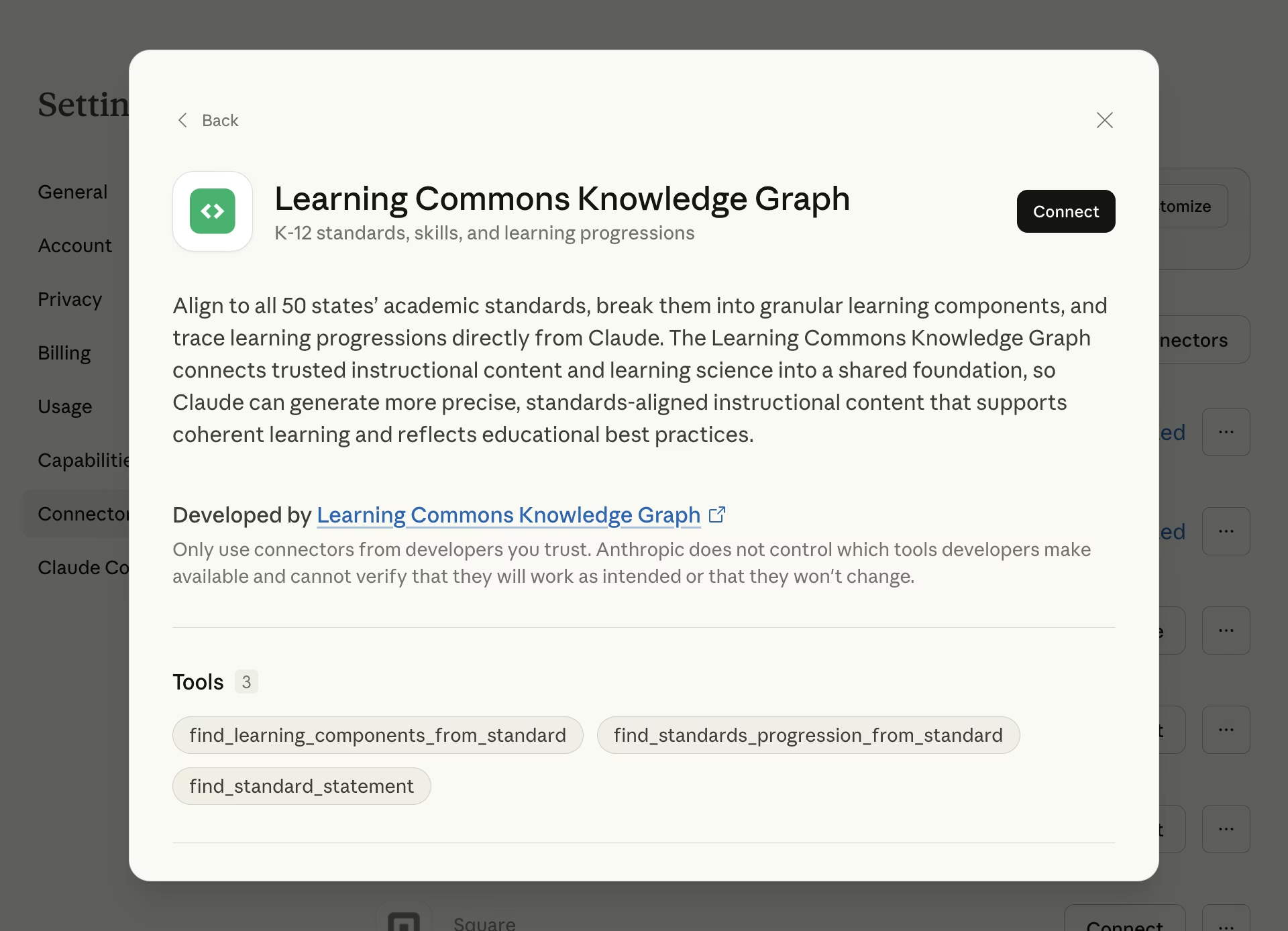
Next steps
API Reference
Explore other API endpoints to access Knowledge Graph data.
Claude connector
See more example prompts and how the connector works behind the scenes.
Entity and relationship reference
Understand the data models that make up the Knowledge Graph.
MCP server
See server URL, authentication, available tools, and full examples.
Tutorials
Follow step-by-step guides to build with the Knowledge Graph.